
How to Use Kakao Taxi in Seoul Without a Korean Card
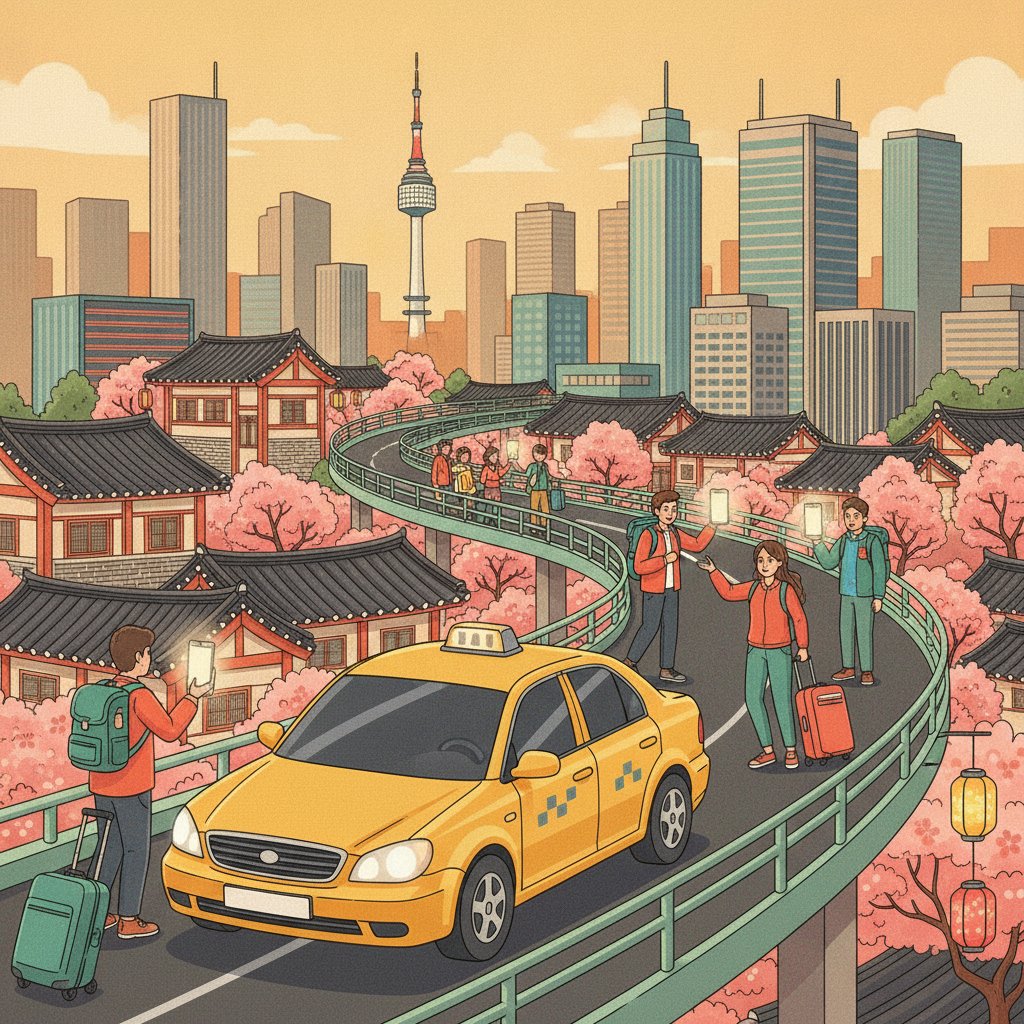
Standing on a sidewalk in Hongdae at 1:00 AM while temperatures dip below freezing is when most travelers realize street-hailing a cab in Seoul isn’t as simple as sticking out a hand. As a Korean who lives in Seoul, I watch foreign visitors desperately wave at yellow and silver taxis driving past, not realizing that almost every single windshield displaying a glowing red text light—reading ‘예약’ (reserved)—has already been booked through a smartphone app. In South Korea, old-school street hailing is largely a relic of the past. Over 90% of taxi trips in urban areas are requested digitally, primarily through Kakao T.
If you are planning a trip to South Korea, knowing how to use Kakao Taxi is just as essential as having a T-money transit card or a working data SIM. The good news is that the app is fully accessible to international visitors, provided you know a few setup tricks regarding registration and payment workarounds. Here is a complete, step-by-step local guide to getting rides anywhere in Korea effortlessly.
Setting Up Kakao T Before You Step Outside
The app you need is called Kakao T (the ‘T’ stands for transportation), available on both the Apple App Store and Google Play Store. Do not confuse it with KakaoTalk, which is Korea’s primary instant messaging app, although having a KakaoTalk account does make logging in much faster.
You can set up the app while still in your home country or upon arrival at Incheon International Airport. Here is what you need to do during initial configuration:
- Language Selection: Kakao T automatically detects your phone’s system language. If your phone is set to English, the app interface will display in English. If it does not, navigate to the account tab (represented by a person icon) and change the app language manually to English.
- Phone Number Verification: You do not need a Korean phone number (+82) to sign up. The app accepts international mobile numbers for SMS verification. Keep your home SIM active or use a roaming plan during activation to receive the short code. If you are using a data-only eSIM in Korea, complete this SMS verification step before swapping SIM cards.
- Account Linking: If you already set up a KakaoTalk messaging account for your trip, choose ‘Log in with Kakao Account’. This links your profile automatically and streamlines the registration process.
✈️ Book your trip to Korea — hotels, flights & more
The Payment Hack: Paying Your Driver Directly
The single biggest hurdle foreign travelers face when learning how to use Kakao Taxi is the payment section. When locals use Kakao T, they register a Korean credit or debit card inside the app for automated post-ride charging. However, the app’s built-in automatic payment system frequently rejects foreign-issued credit cards (such as Visa, Mastercard, or American Express issued outside Korea) due to domestic bank security protocols.
Attempting to add an international credit card to the ‘Manage Credit Cards’ section often results in an error message. Fortunately, there is a simple workaround built directly into the app interface that many tourists overlook: Pay to Driver (also listed as ‘General Payment’ or ‘Direct Payment’).
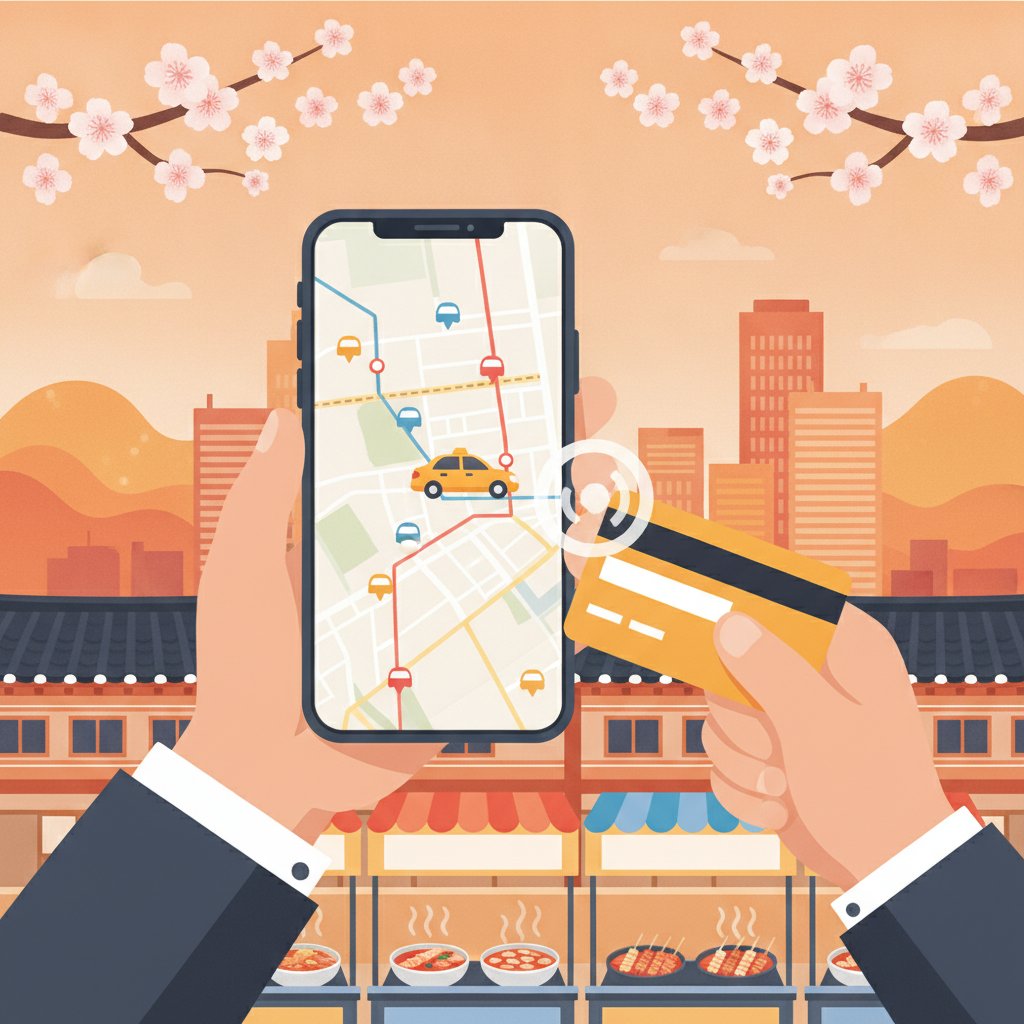
By selecting this option during the booking process, you bypass the app’s online payment gateway entirely. Instead, you pay the driver directly at the destination using cash, an international credit card via the taxi’s physical card terminal, or your T-money transit card. Every registered taxi in Seoul is equipped with an electronic card reader mounted next to the gear shift, accepting all major foreign credit cards seamlessly.
Step-by-Step Guide: How to Call Your First Kakao Taxi
Once your app is open and location services are enabled on your device, hailing a car takes under a minute. Follow these exact steps:
1. Choose the Taxi Service
On the main screen of Kakao T, tap the yellow Taxi icon. Avoid selecting ‘Rent-a-Car’ or ‘Driver’ (which is a designated driver service for people who brought their own car to a bar).
2. Set Your Pick-Up Spot
The app will use your phone’s GPS to drop a pin on your current location. Because urban GPS signal reflection can happen around high-rise buildings in districts like Gangnam or Myeongdong, double-check that the pin rests on the exact side of the street where you are standing. You can drag the map manually to adjust the pin onto a clear pickup curb.
3. Input Your Destination
Type your destination into the search bar. While the app accepts English names for major tourist landmarks like N Seoul Tower, Bukchon Hanok Village, or Gyeongbokgung Palace, searching in English for smaller hotels, specific cafes, or local restaurants can occasionally return incorrect results.
Local Tip: Open Naver Map or KakaoMap (the two primary navigation apps used in Korea), copy the address in Korean Hangeul, and paste it directly into Kakao T’s destination bar. This guarantees 100% accuracy for the driver’s onboard GPS system.
4. Select Your Ride Type and Payment Method
Scroll through the available ride options (General, Venti, Black). Tap on General Taxi for standard, budget-friendly rides. On the final checkout screen, the app will default to ‘Register Card’ or ‘Automatic Payment’. Swipe left on the payment options until you see Pay to Driver (or ‘Direct Payment’). Tap it, then hit the large request button at the bottom of the screen.
5. Match the License Plate
Once a driver accepts your request, the screen displays their arrival ETA, vehicle model, and four-digit license plate number. Stand near your pickup pin and keep an eye on incoming cars. Match the numbers on the license plate before opening the door.
🎟️ Popular tours & experiences in Korea
Klook.comUnderstanding Taxi Types in Seoul
When booking through the app, you will see several vehicle tiers. Here is a breakdown of what each option offers, along with typical pricing structures in Seoul:
| Taxi Type | Best Used For | Approximate Base Fare |
|---|---|---|
| General Taxi | 1–3 passengers, daily city travel | 4,800 KRW (~$3.50 USD) |
| Kakao T Venti | Larger groups (up to 5), airport runs, heavy luggage | 6,000 KRW (~$4.40 USD) |
| Kakao T Black | Luxury sedans, professional chauffeurs, premium service | 7,000 KRW (~$5.10 USD) |
Note: Base fares apply to the first 1.6 kilometers. Final fares depend on total distance and travel time. Base rates increase by roughly 20% to 40% during late-night hours between 10:00 PM and 4:00 AM. Prices vary over time and by city across Korea.
Standard General Taxis in Seoul come in a few colors: metallic orange (Seoul midsize cabs), silver, white, or black. Do not confuse regular black taxis with ‘Kakao Black’ luxury services or deluxe ‘Mobeom’ taxis, which carry higher base rates.
Essential Local Tips for Smooth Rides
To ensure a hassle-free trip, keep these practical tips in mind when using cabs in Korea:
- Keep Your Destination Screen Ready: Even though the route automatically syncs to the driver’s dashboard navigation system upon booking, showing the destination name in Korean on your phone screen is a courteous way to confirm where you are headed when getting inside.
- Seatbelt Policy: South Korean traffic laws strictly enforce seatbelt usage for all passengers, including those seated in the rear. Fasten your belt as soon as you step inside.
- Automatic Doors are Rare: Unlike taxis in Tokyo, taxi doors in Seoul are manual. Open and close the door yourself when entering and exiting.
- Tipping is Not Expected: Tipping taxi drivers is not part of Korean culture. Pay the exact fare listed on the meter or app summary screen. Drivers do not expect extra gratuity.
- Handling Lost Items: If you accidentally leave an item behind in a taxi booked via Kakao T, navigate to your app history under ‘Ride History’. You can view your past driver’s details and contact them or Kakao T support directly to arrange the return of your belongings.
FAQ
Can I use Kakao Taxi without a Korean SIM card?
Yes. You can register for Kakao T using an international phone number to receive the SMS verification code before leaving home or while roaming. While traveling in Korea, as long as your smartphone has an active internet connection—via a data-only eSIM, pocket Wi-Fi rental, or public Wi-Fi—you can request rides without issue.
How do I pay the taxi driver directly?
When selecting your ride details in the app, swipe left past the credit card registration screen to find the ‘Pay to Driver’ (or ‘Direct Payment’) option. When your trip finishes at your destination, hand the driver cash, a physical international credit card, or a T-money transit card to process payment on their dashboard terminal.
Why does my ride request keep getting ignored during peak hours?
During rainy weather, Friday nights, or peak night-out hours (11:00 PM to 1:00 AM) in busy nightlife districts like Itaewon, Gangnam, or Hongdae, demand for General Taxis heavily outweighs supply. Drivers may prioritize longer-distance rides. If standard requests fail repeatedly, try switching your selection in the app to ‘Kakao T Venti’ or ‘Kakao T Blue’ (a service with faster dispatch guarantees for a nominal booking fee).
Keep Reading
- Euljiro Nogari Alley (을지로 노가리골목): A Local’s Guide
- Seongbuk-dong–Bukchon Hanok Village Course (성북동고택북촌산책길): A Local’s Guide
- Seoul Mountain Climbing & Culture Center (산악문화체험센터): A Local’s Guide
- Hallyu Self-Photos at Youngchive Seongsu (영카이브 성수점)
🎟️ Popular tours & experiences in Korea
Klook.com